why kuro
it started as my own setup.
kuro is mainly made for me. the apps, the shortcuts and the colors are all the way i want them on my own laptop, and that's where i use and test it every day. friends kept asking if they could have it too, so i made a public version. it's the same system with the same apps, just without the things that only make sense for me, like the tools for my phone and tablet or my own shortcuts. so if some choices feel a bit personal, that's why.
the look
black and white, mostly.
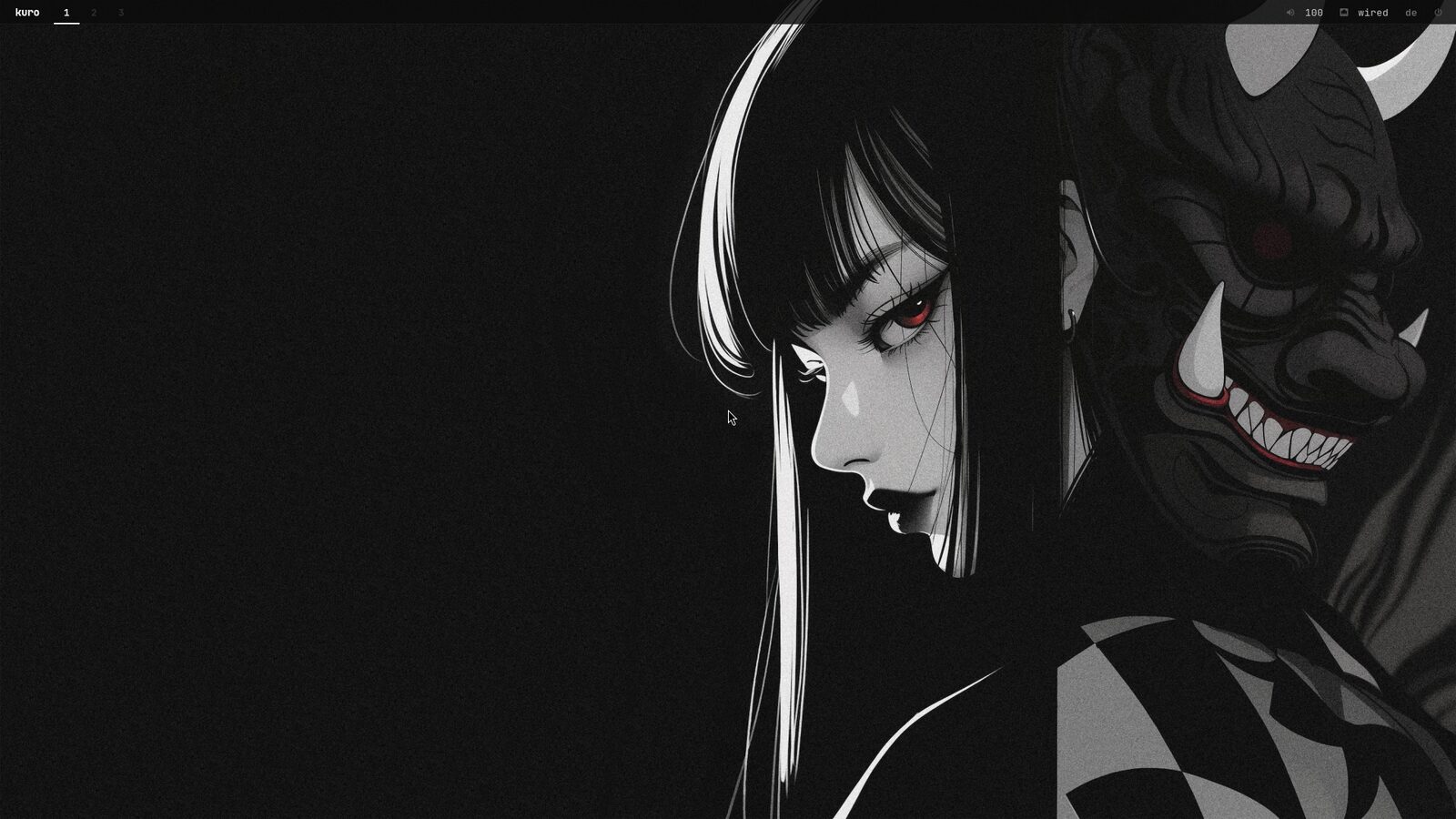
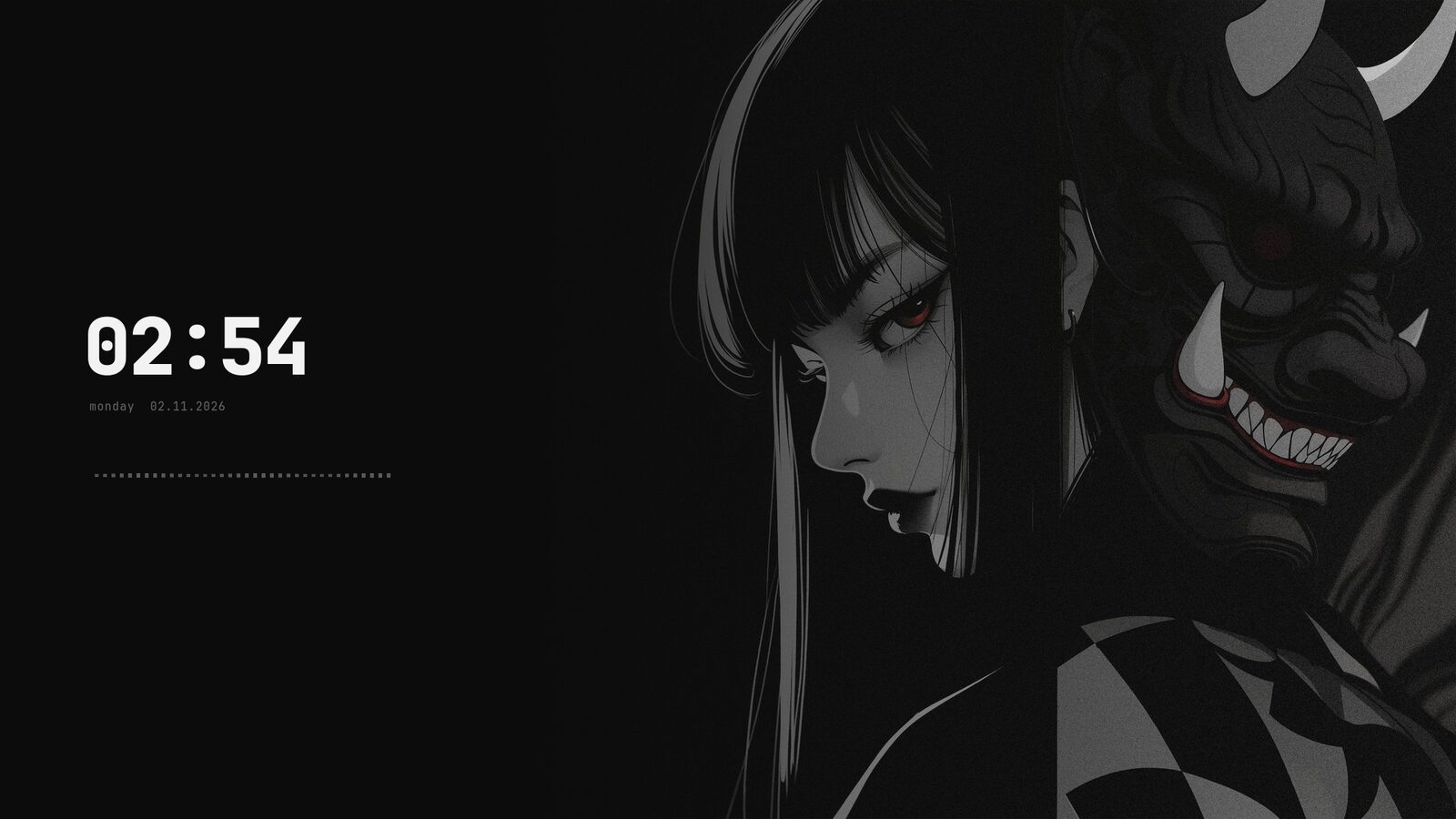
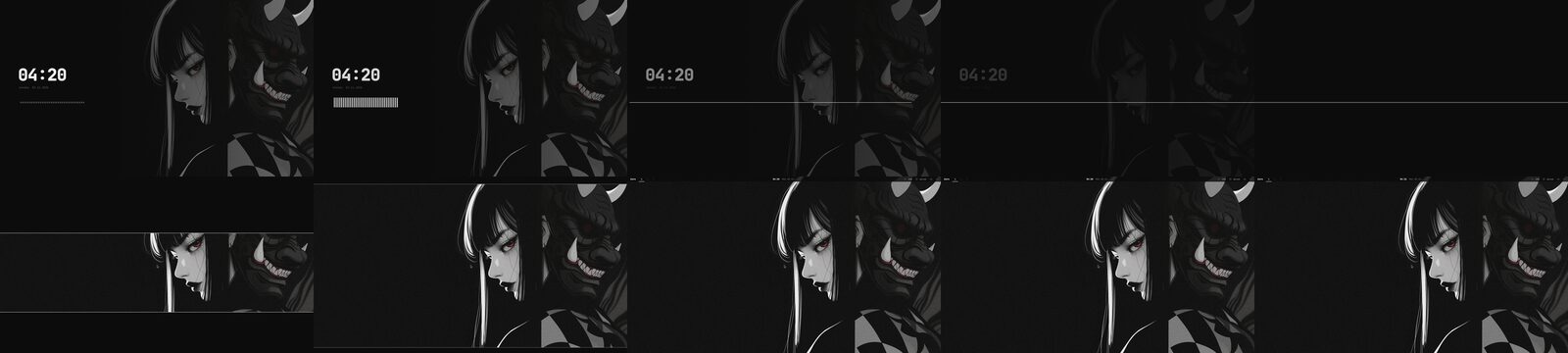
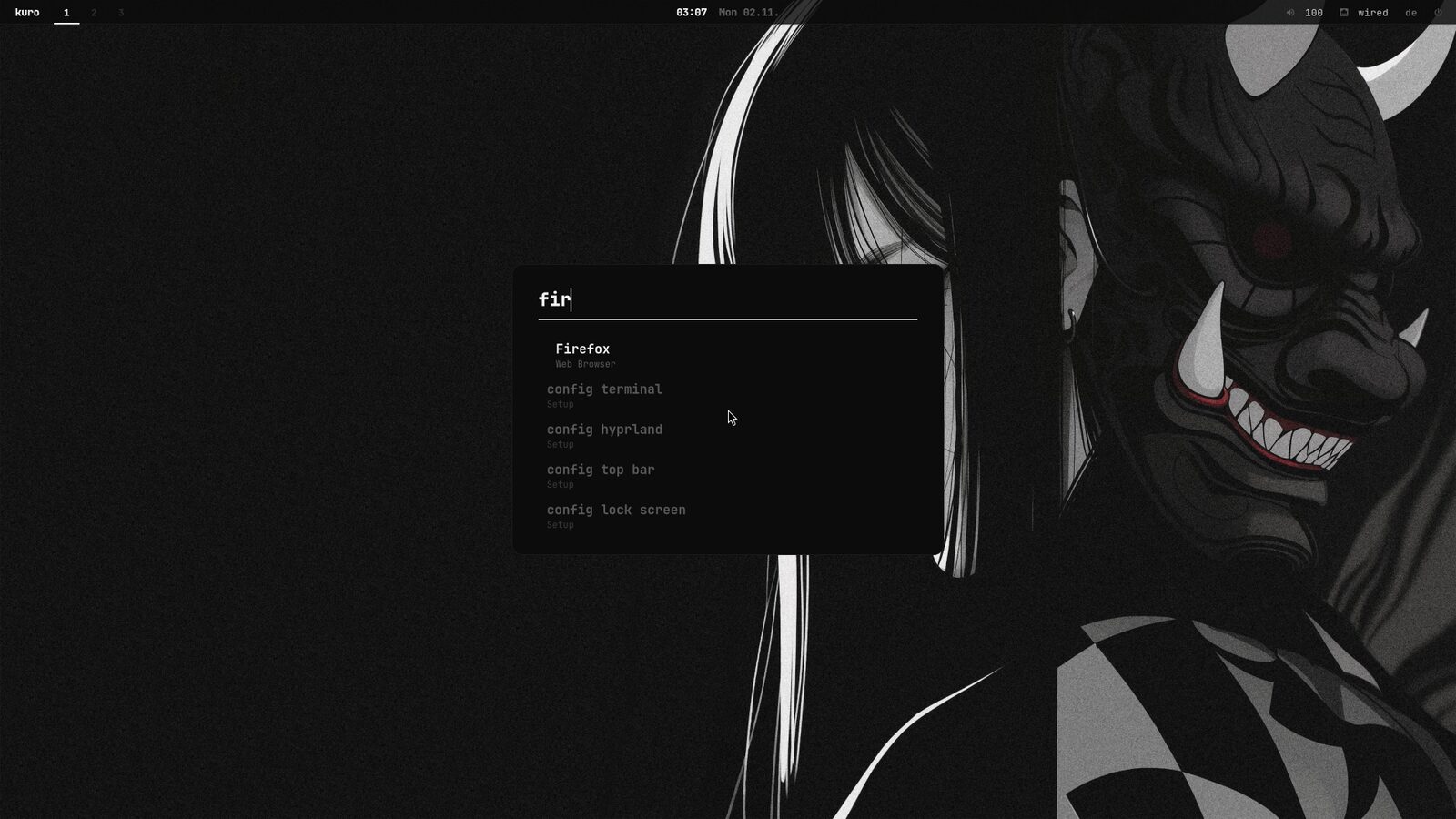
the whole system uses one font and sticks to black, white and the greys in between. there are no shiny buttons. whatever you're working on is bright and the rest gets dimmed. if you want some color, there are themes that take their colors from the wallpaper (super + w).
the apps
mostly written in c.
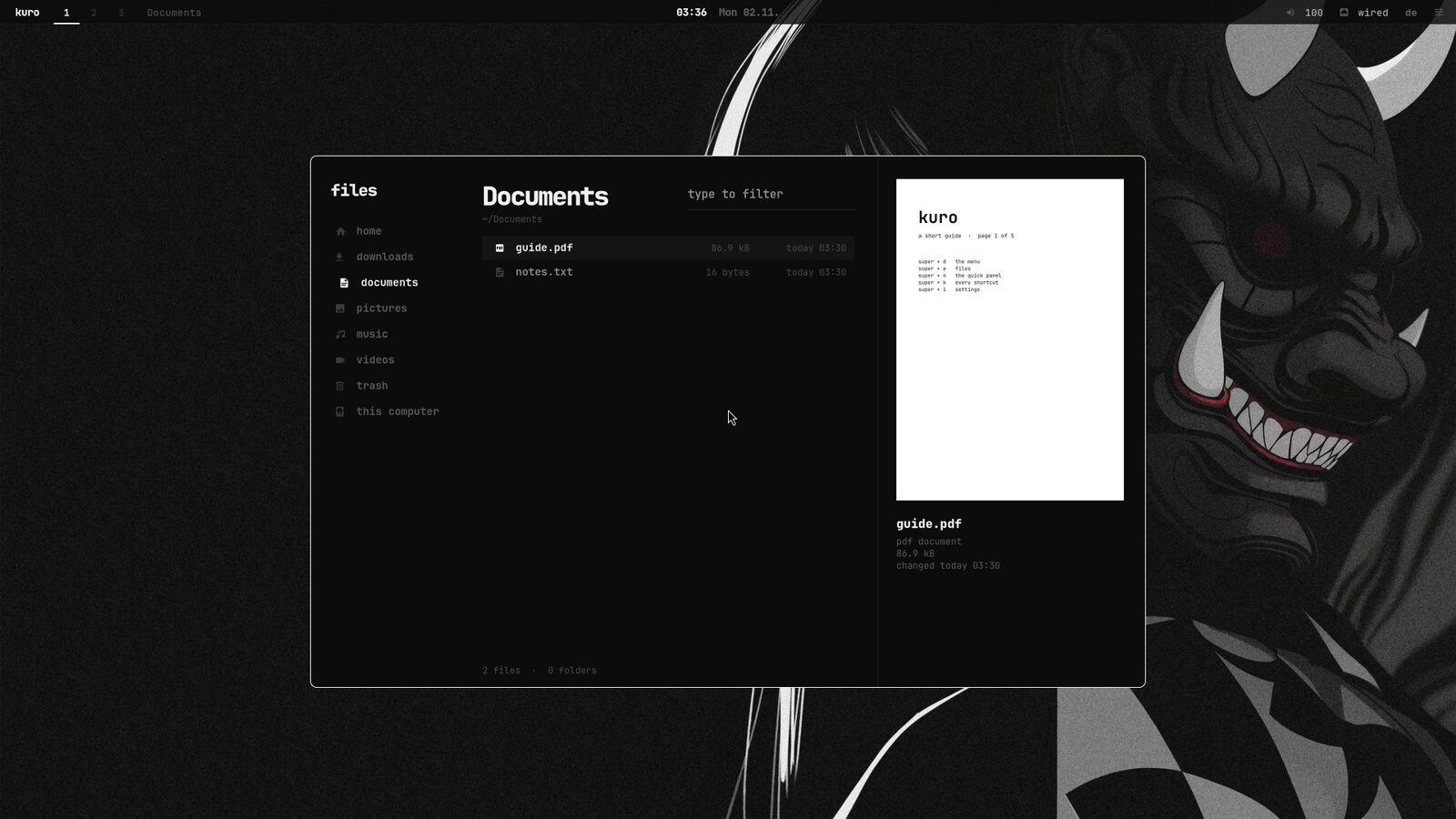
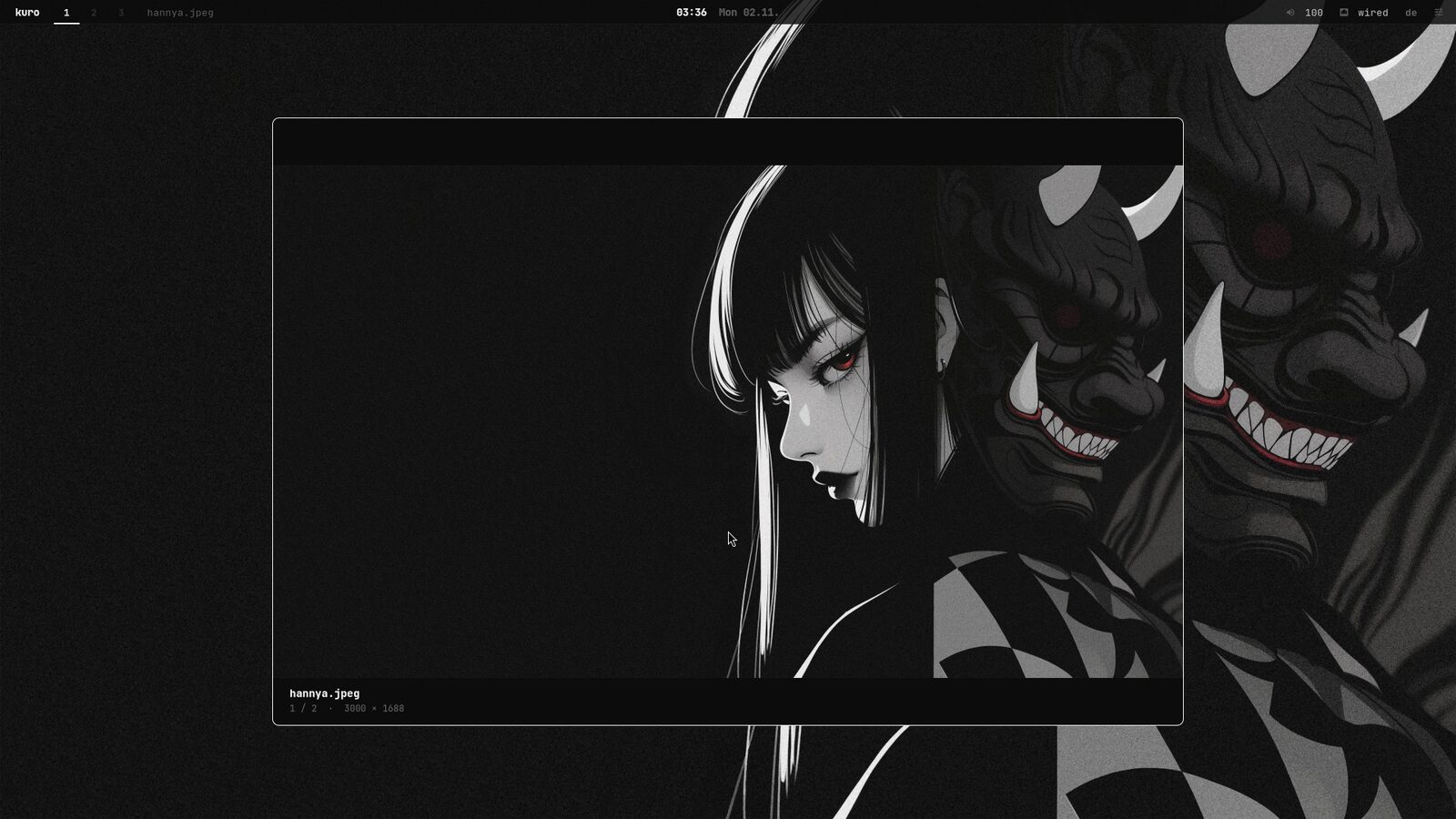
most of the apps are my own. i wrote them in c with gtk, so they start fast and don't need much memory. there's a settings app, a file manager that can open zip and rar files, a picture viewer, a music player, a store for apps and updates, a system monitor and a few more.
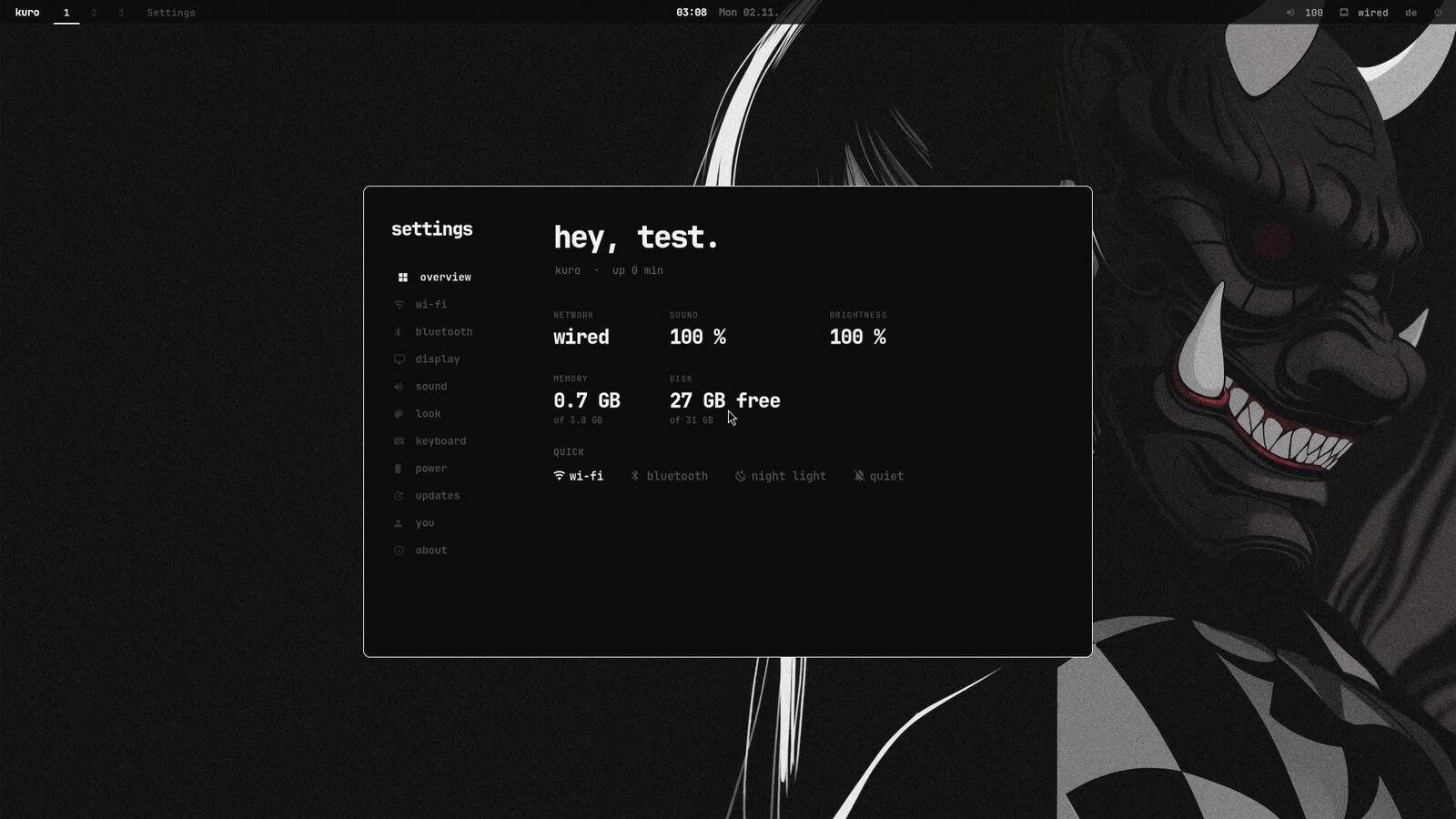
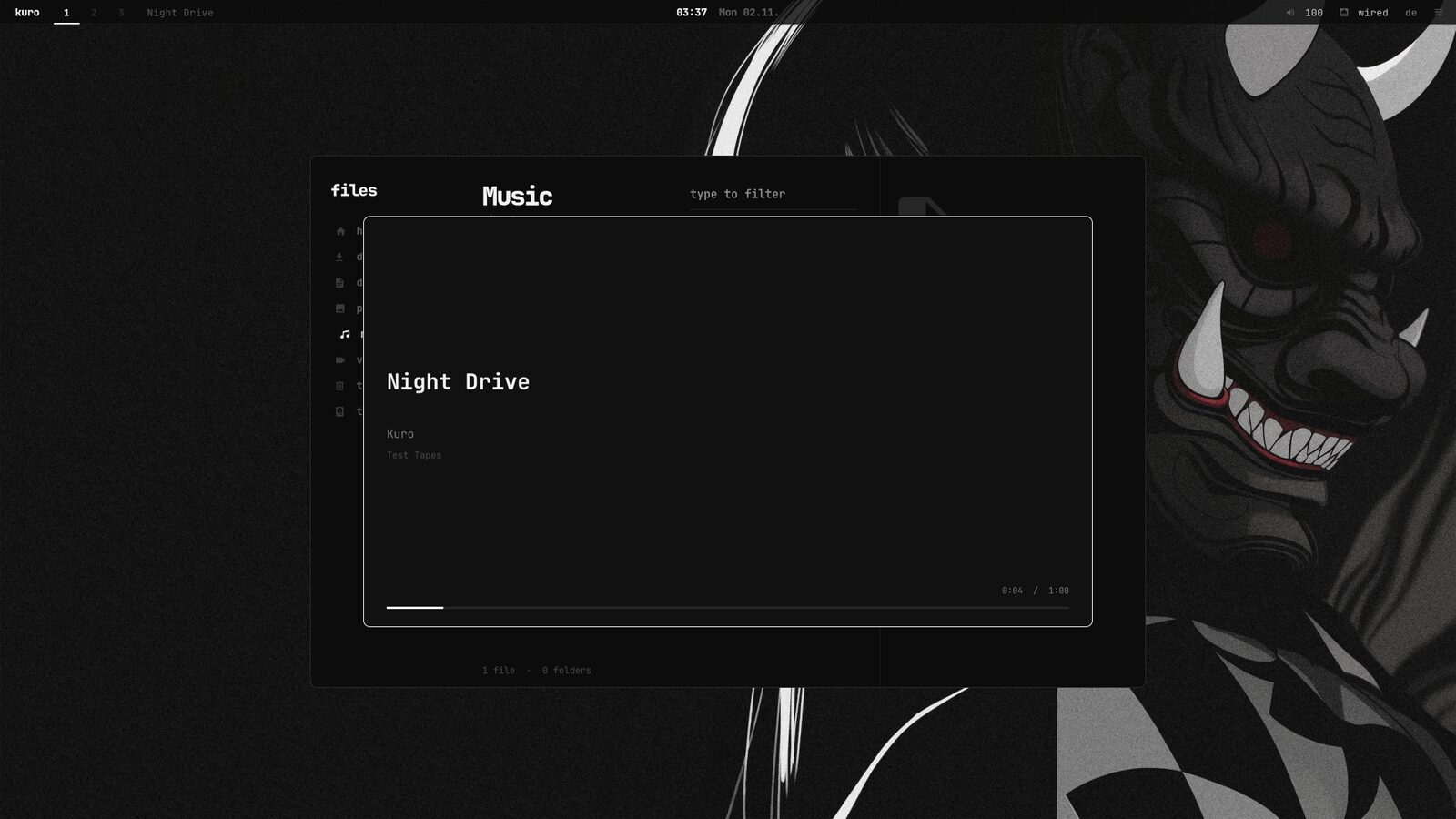
- 104 kbsettings
- 141 kbfiles
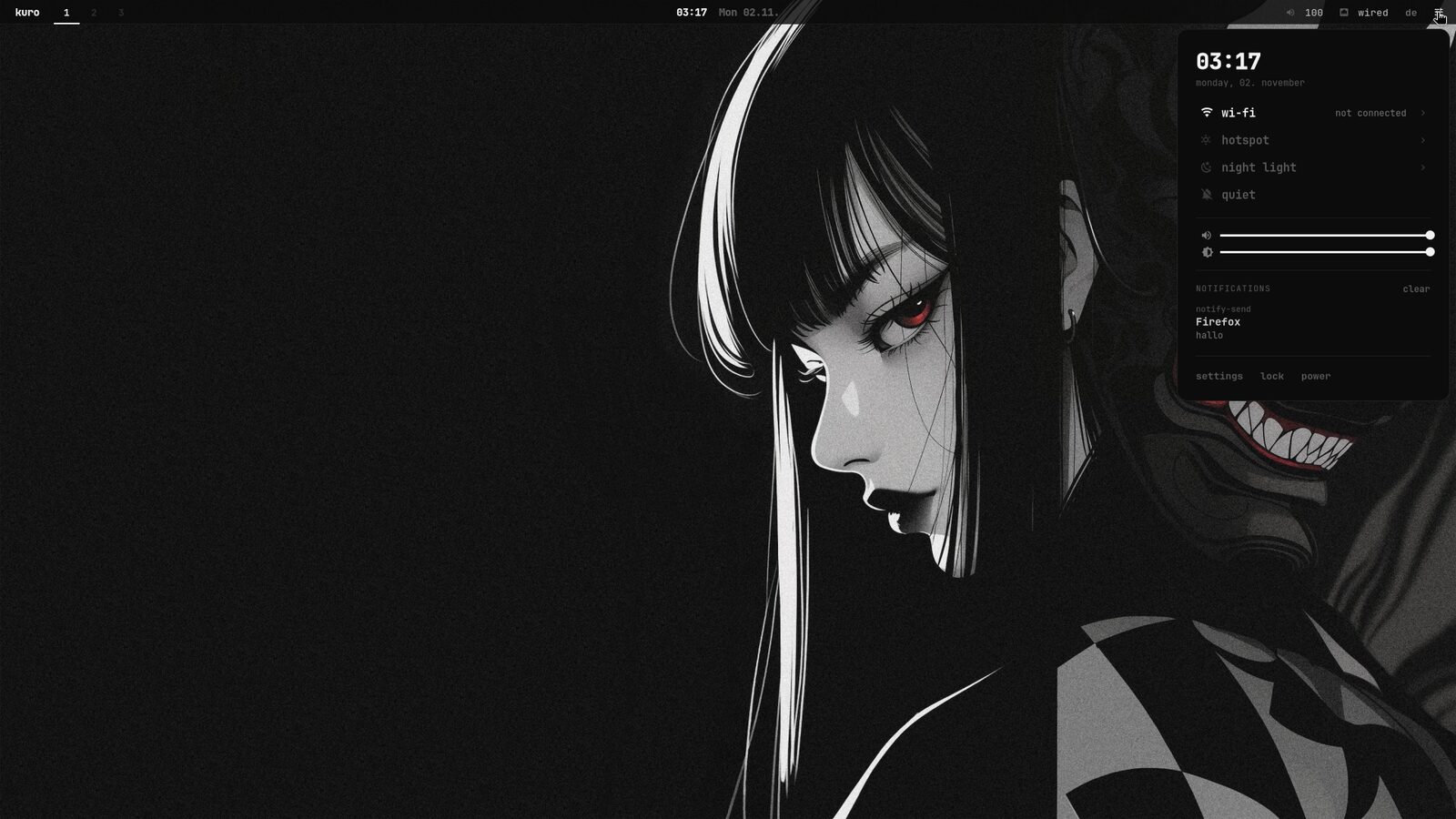
- 67 kbquick panel
- 66 kbstore
small stuff
the things i use every day.
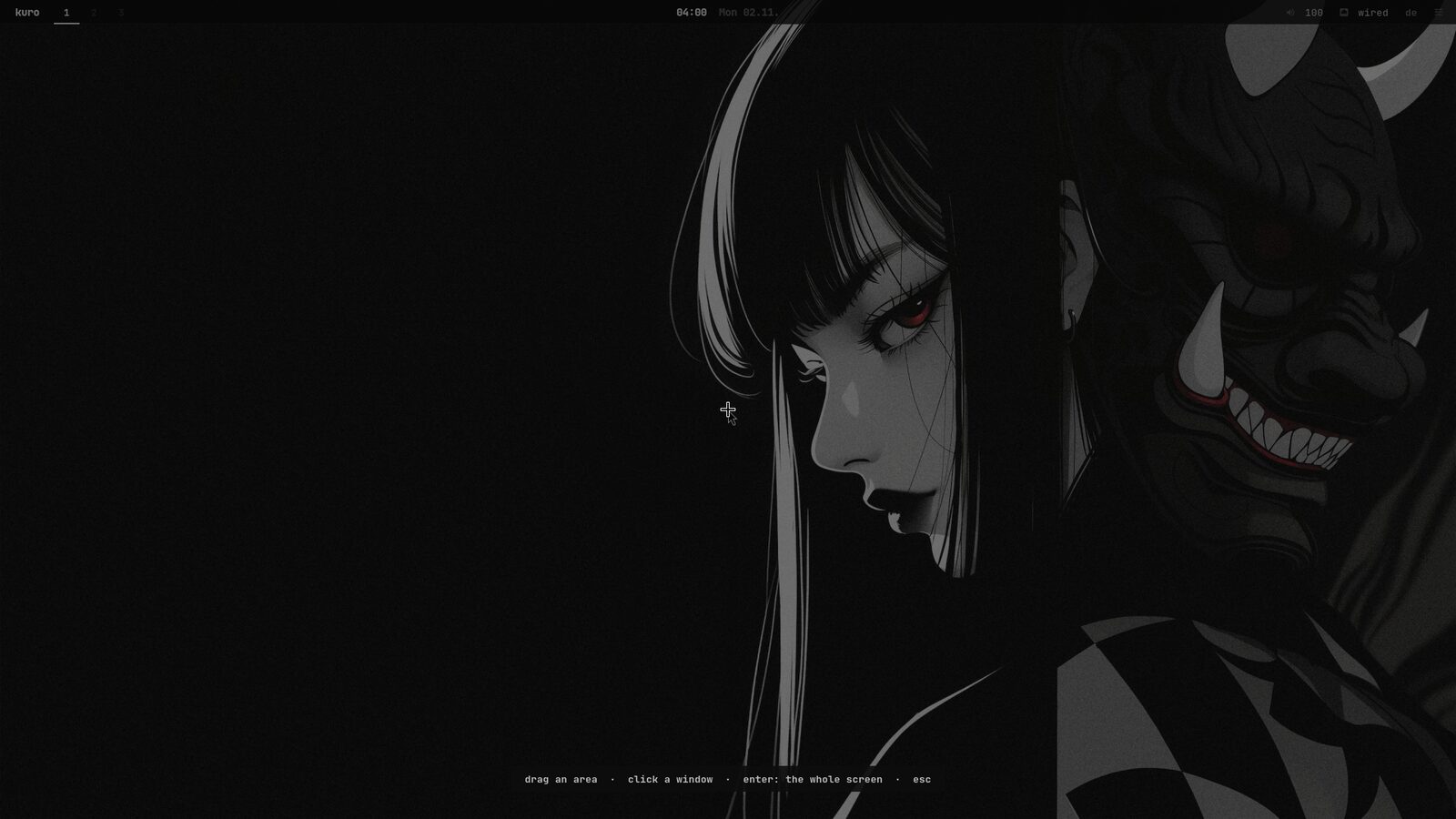
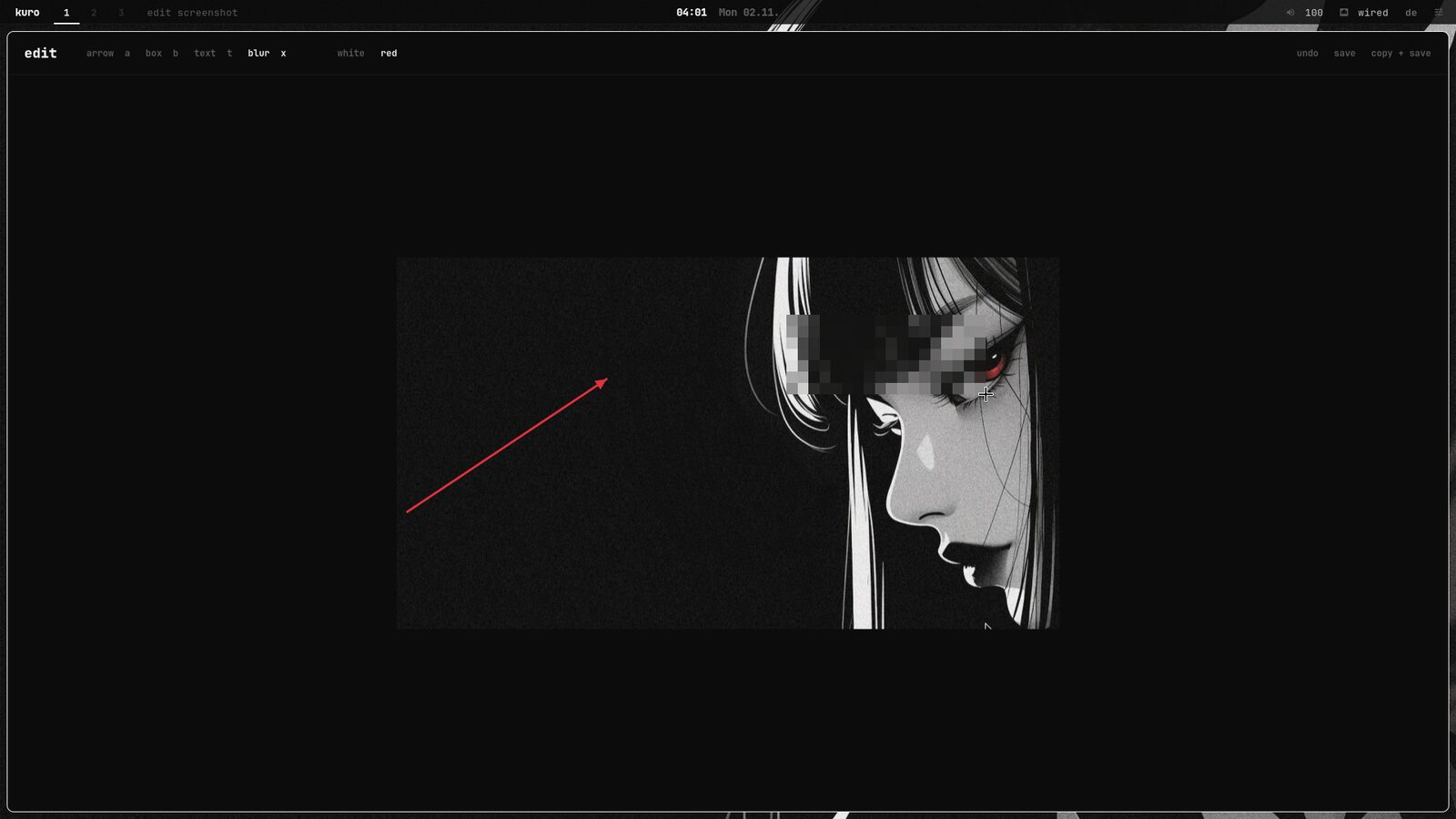
- super + shift + r
- records the screen. a red dot and the time show in the bar until you stop it
- super + v
- everything you copied recently, pictures included
- super + .
- emoji and symbols. type “fire” or “arrow” and press enter
- super + shift + p
- pick a color anywhere on the screen, it gets copied as hex
- below 20 %
- battery saver turns on by itself (no animations, darker screen)
updates
updates can be undone.
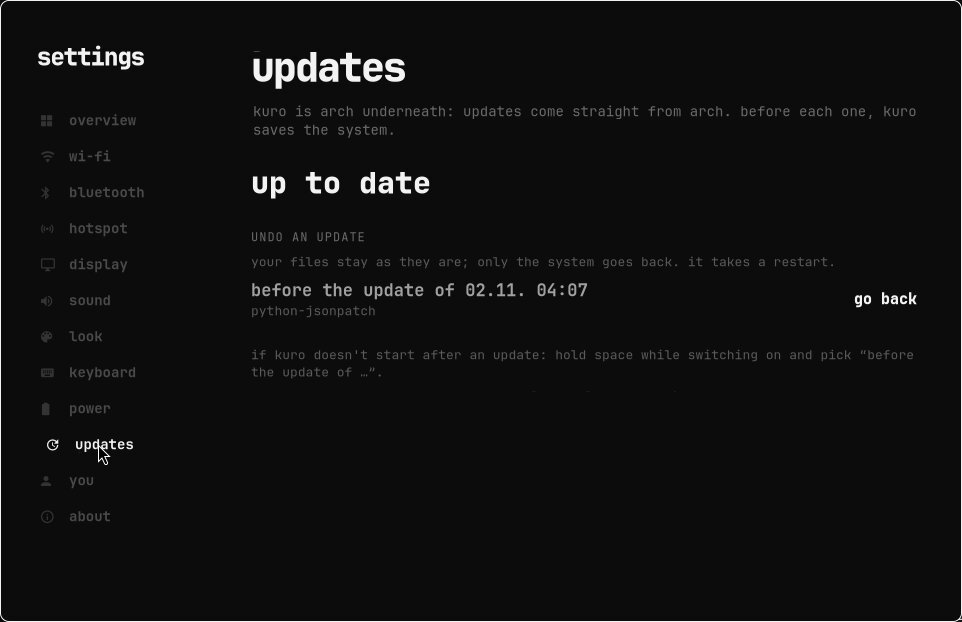
kuro is based on arch, so the software is always up to date. before every update it saves a copy of the system, which takes a second and barely uses any space. if an update breaks something, go to settings → updates → go back and restart. your own files aren't affected by this. and if kuro doesn't start at all, the saved copies are in the boot menu as well.
shortcuts
mostly the super key.
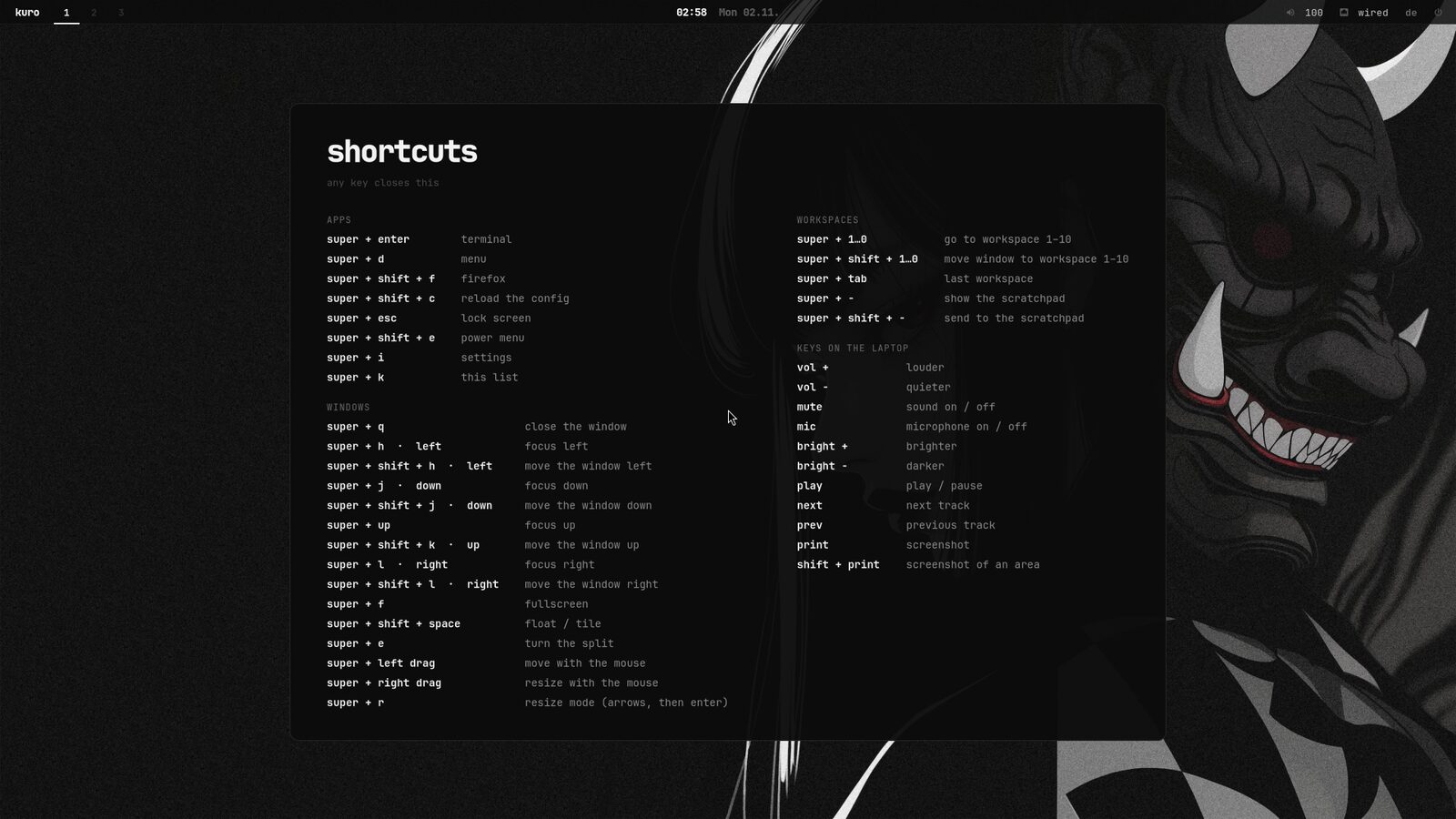
windows arrange themselves next to each other, so you don't have to drag them around. if you forget a shortcut, super + k shows all of them.
- super + d
- menu
- super + enter
- terminal
- super + e
- files
- super + i
- settings
- super + n
- quick panel
- super + w
- themes
- super + tab
- all windows
- super + s
- store and updates
- super + q
- close a window
- super + 1 … 0
- workspaces
- super + escape
- lock
installing
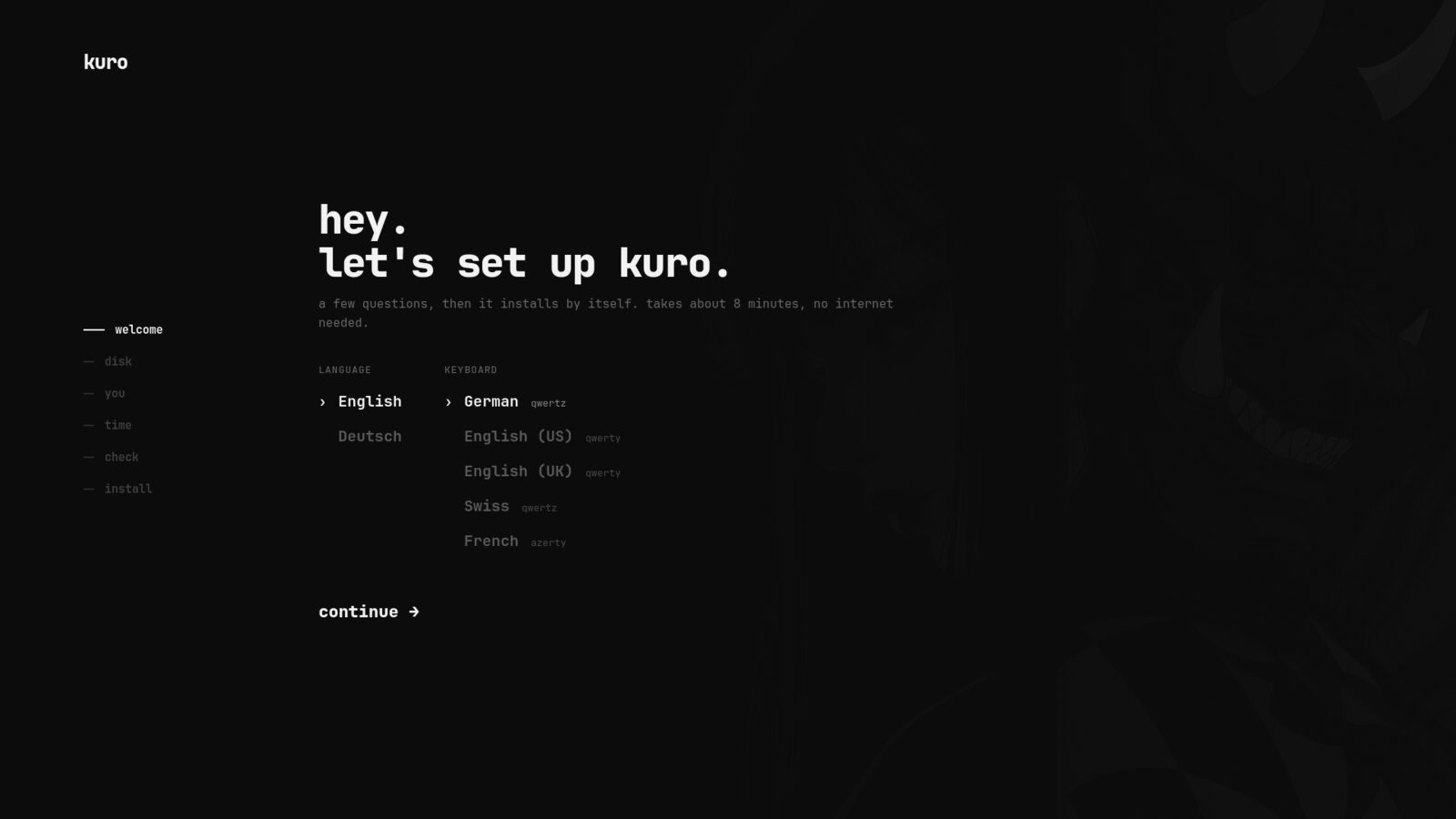
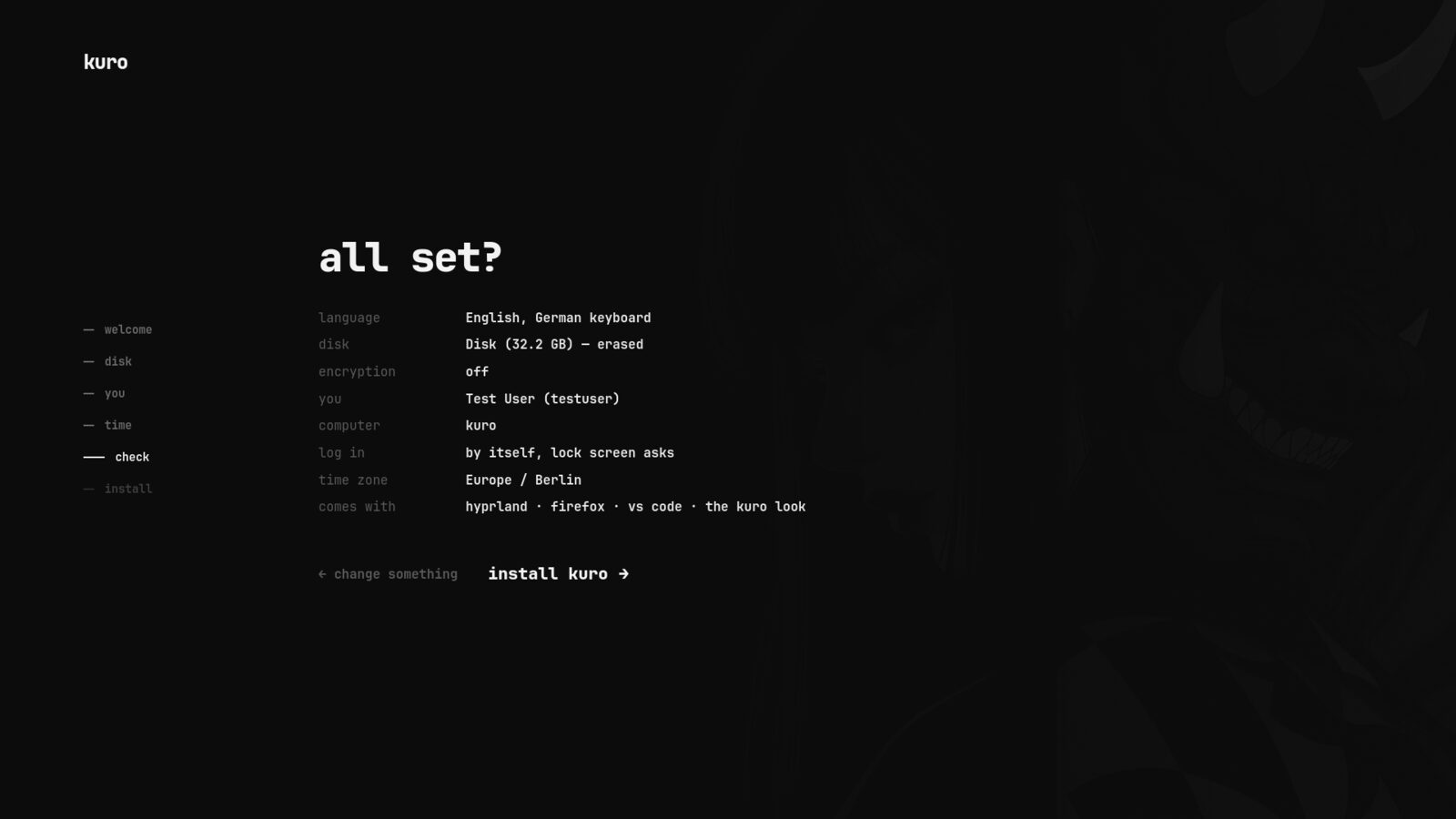
it asks a few things and does the rest.
download
download kuro
there are two versions. the desktop version is what i use on my laptop. the server version has no desktop and is meant for a pc that just runs in the background.
desktop the full system with the desktop, the apps and the themes
↓ kuro-2026.11.02-x86_64.iso2.5 GB · for 64-bit pcs and laptopssha256 c245e8f144045c56f24fdfc359d199988d07880ad61139594b2480e6f5553b56
server no desktop, a text installer, ssh, and the commands kuro update and kuro status. podman, a firewall and a small web dashboard are optional. about 0.8 gb.
↓ kuro servercoming soonsha256
usb stick:
- put it on a usb stickit needs at least 8 gb and everything on the stick gets deleted. on linux:
sudo dd if=kuro-2026.11.02-x86_64.iso of=/dev/sdX bs=4M, on windows you can use rufus or balena etcher. - start from the stickusually by pressing f12 (sometimes esc, f8 or f9) right after turning the pc on. then choose install kuro, or try kuro if you want to look around first.
- answer a few questionslanguage, disk, your name and time zone, then a last check. after that it installs on its own.
- remove the stick and restarton the first start it helps you with wi-fi, the keyboard layout and a theme, and shows you the most important shortcuts.
the server installs the same way, just with a text installer. it can also install itself from a kuro-install.conf file. after that you log in with ssh and use kuro status and kuro update.
- arch linuxas the base
- hyprland 0.57as the desktop
- btrfswith snapshots
- 4 gbram is enough